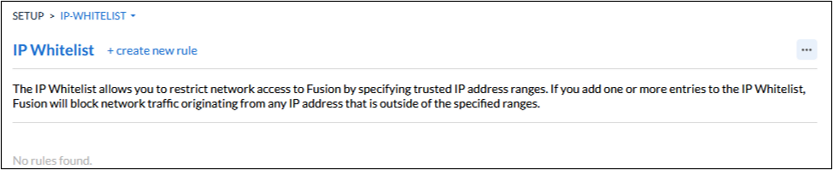
Getting here: Go to the Setup Sidebar Menu and select IP Whitelist. This screen is only available if you are a System Administrator.
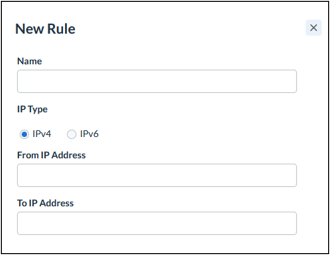
This screen allows an administrator to select ranges of IP addresses that are allowed to access the Fusion system. By pressing + create new rule, you can add permitted IP ranges to the list. Once you have created a rule, any request to Fusion that does not come from an IP address on the whitelist will be rejected.